

Build a Practical Open Source Stack for Your Next Product
A step-by-step guide for indie makers who want to choose open source tools by workflow, reduce lock-in, and keep their stack maintainable.
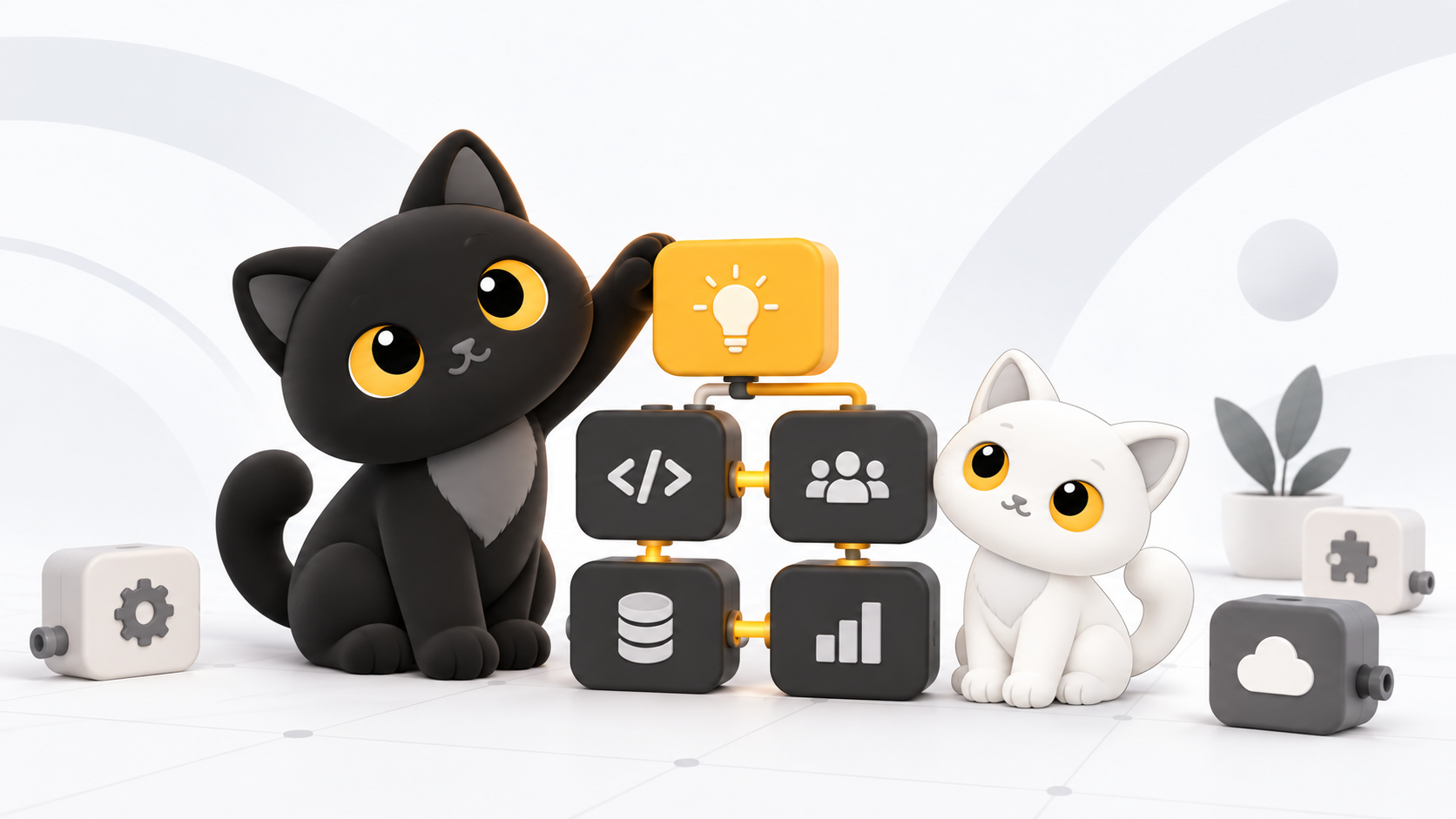
An open source stack can give an indie maker more control over costs, data, and product direction. It can also leave you maintaining services more often than you use them.
What matters is how you choose and connect the tools, not how many you use.
1. Begin with a workflow map
Before choosing products, map the work from an idea to a result for your customer. A software product might need tools for:
- Planning and documentation
- Design and prototyping
- Source control and code review
- Application hosting and data storage
- Analytics and error monitoring
- Customer support and communication
Keep only the stages you actually use. Each added tool means another account, integration, update path, and potential point of failure.
2. Decide where control matters most
You do not need the same level of control over every tool. Consider what would happen if a vendor raised prices, removed a feature, or blocked data exports.
Where switching would be costly, such as with source code, customer data, documentation, and core operational records, favor open formats and replaceable components. For temporary or low-risk tasks, a hosted product may work better.
You can keep those options without self-hosting every service.
3. Choose one tool at a time
Start with the biggest bottleneck. Make a short list of candidates and try each one on a real task before adding it to your stack.
For each tool, write down:
- The problem it solves
- Why it fits better than the alternatives you considered
- Where your data is stored and how to export it
- Who will maintain it and how often it needs attention
- What would trigger a replacement
These notes will help you remember why you chose each tool.
4. Prefer boring connections
Simple, widely supported interfaces are often easier to maintain: standard file formats, documented APIs, webhooks, email, and regular database exports.
Be careful if two critical tools connect only through an abandoned plugin or undocumented behavior. Both products may work well on their own, but that connection is fragile.
Keep a small test for each essential integration so you can spot a broken workflow before a customer does.
5. Budget for maintenance
When you self-host, you take responsibility for availability, updates, backups, and recovery.
Budget for maintenance before deployment. Decide how often to review updates, where to store backups, how to test restores, and how much downtime you can accept. If you cannot answer those questions yet, consider a managed version or a simpler tool.
The aim is to keep control of your product without taking on more maintenance than you can support.
6. Review the stack as the product changes
A tool that works early on may stop fitting as your team, data volume, or compliance needs change. Review the stack when those needs change, rather than each time a new product appears.
Remove tools that duplicate existing capabilities and replace components that repeatedly slow you down. Keep what runs reliably, makes sense to your team, and can be restored when something goes wrong.
7. Use OpenFree as a starting point
Browse OpenFree's categories, tags, and curated collections for free and open source AI tools. Build a shortlist, then evaluate each project against your workflow, capacity to maintain it, and exit plan.
A practical stack has as few tools as you need, chosen so you can keep building without constantly tending to the infrastructure.